The CRM That
Turns Leads
Into Revenue
Most contractors lose 40–60% of their leads because there is no system to follow up. A properly configured CRM is the fix — and it runs automatically.
Ask any contractor where their leads go after they come in and the honest answer is usually a variation of the same story: some get called back, some get a text, some get forgotten, and a meaningful percentage disappear into a spreadsheet or a notes app that nobody checks consistently. The leads themselves are not the problem. The absence of a system to manage them is.
A CRM — Customer Relationship Management system — is the infrastructure that prevents leads from falling through the cracks. For contractors, it is the difference between a pipeline that converts predictably and a business that relies on memory, luck, and whoever happened to check their voicemail that day.
This article explains exactly what a CRM does for a contracting business, what to look for when choosing one, and how the most successful contractors have it configured so that leads are tracked, followed up, and closed with minimal manual effort.
"A lead without a follow-up system is just a name on a list you'll never get back to."
— Detail DominionWhat Is a CRM and Why Do Contractors Need One?
A CRM is a software platform that centralizes every lead, contact, and customer interaction in one place — and enables automated follow-up sequences, pipeline stage tracking, and communication logging across text, email, and phone. For a contractor, it is the operational backbone that connects your marketing to your sales process.
Without a CRM, a typical contractor's lead management looks like this: leads come in through multiple channels (website form, phone call, Facebook message, referral text), get written down in different places, and are followed up with based on whoever happens to remember to do it. High-value leads get missed. Follow-ups happen once instead of six times. Revenue that was already inside the business walks out the door because no one had a system to catch it.
With a CRM properly configured, every lead that enters the system — from any source — is automatically logged, assigned a pipeline stage, and enrolled in a follow-up sequence. No lead is forgotten. Every touchpoint is tracked. And the business owner can see in real time exactly how many leads are in each stage, which ones need attention, and what the projected revenue from the current pipeline looks like.
The Contractor Pipeline: What Your CRM Should Track
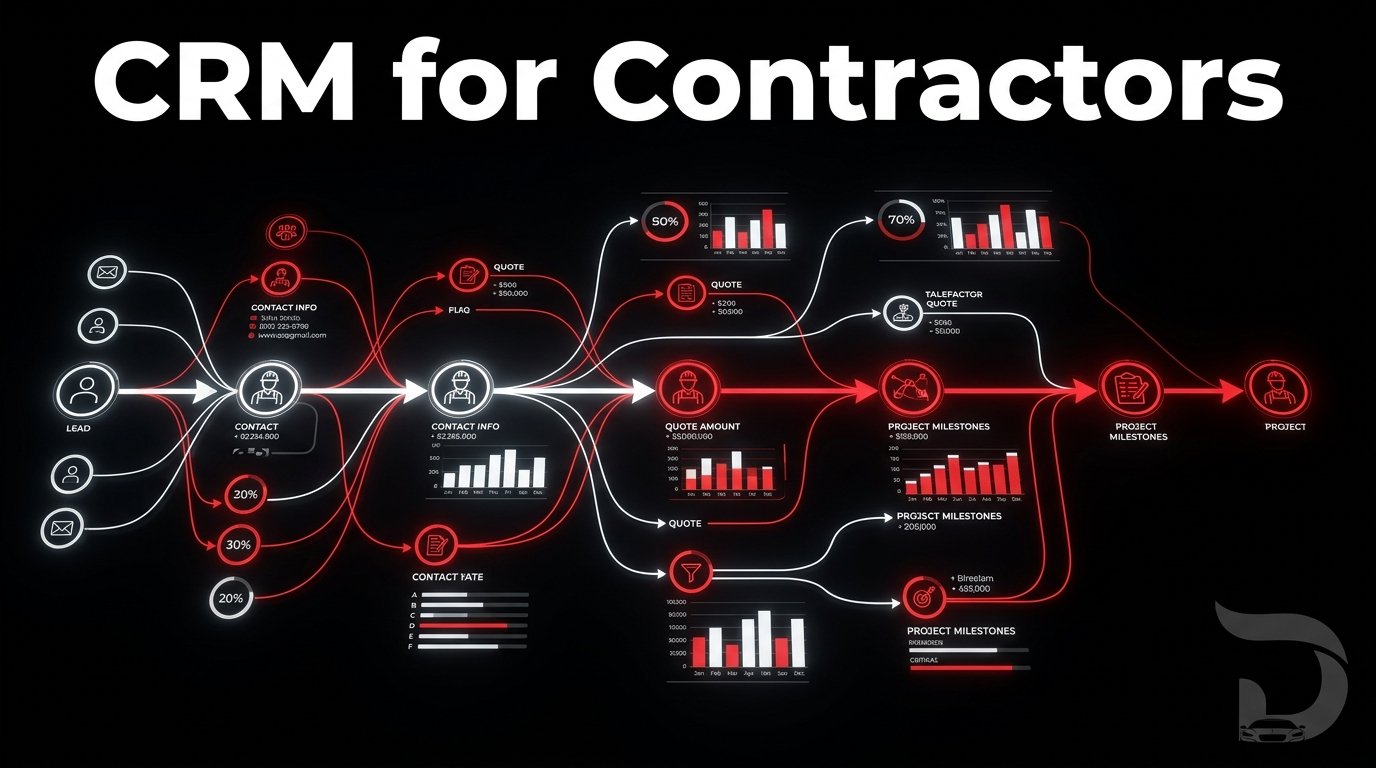
A CRM for contractors should mirror the actual stages of your sales process. Here is what a properly configured pipeline looks like for a roofing, HVAC, or remodeling business.
New Lead
Just entered the system. Auto-response triggered. Qualification pending.
Qualified
Passed AI qualification. High intent confirmed. Calendar link sent.
Booked
Consultation scheduled. Reminder sequence active. Prep materials sent.
Quoted
Estimate delivered. Follow-up sequence running. Decision pending.
Closed
Job won. Review request triggered. Referral sequence activated.
Every lead enters at Stage 01 and moves through the pipeline as actions are completed. The CRM automates the communication at each stage — so the right message goes out at the right time without anyone having to remember to send it. If a lead stalls at Stage 04 (Quoted) for more than three days, the system automatically sends a follow-up. If a lead goes quiet at Stage 02 (Qualified), a re-engagement sequence fires.
The Six Core Functions of a Contractor CRM
Lead Centralization
Every lead from every source — Google Ads, Facebook, website forms, phone calls, referrals — flows into one unified inbox. No more switching between platforms, checking multiple inboxes, or losing leads in different apps. One dashboard shows everything in real time.
Automated Speed-to-Lead
The moment a new lead enters the system, an automated text and email fires within 60 seconds. The response is professional, branded, and sets clear expectations. This alone recovers a significant percentage of leads that would otherwise have called a competitor who responded faster.
Follow-Up Sequences
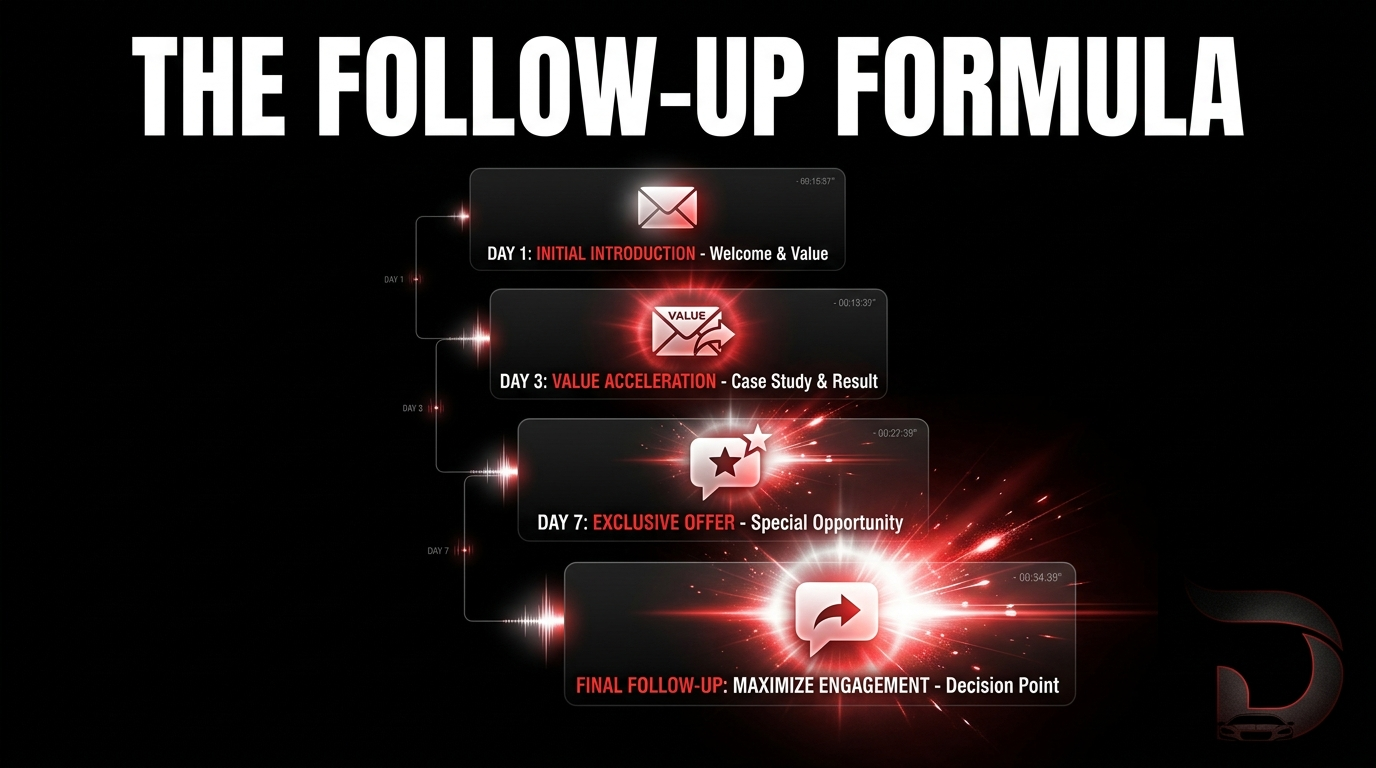
Pre-built sequences of texts, emails, and call reminders go out on a scheduled cadence for every lead in every pipeline stage. Day 1, Day 3, Day 7, Day 14 — each touchpoint is automated, personalized, and tracked. The system follows up so your team doesn't have to remember to.
Pipeline Visibility
A real-time view of every lead at every stage of the sales process. How many leads are in each stage, what their value is, and how long they have been sitting there. This visibility allows business owners to identify bottlenecks, prioritize action, and forecast revenue with actual data.
Integrated Booking
Calendar booking links connect directly to your CRM. When a lead books a consultation, the appointment is created, the lead's stage updates automatically, and reminder sequences begin firing. No manual calendar management. No double bookings. No missed appointments.
Review & Referral Automation
When a job is marked as closed, the CRM automatically sends a review request to the customer with a direct Google review link. A referral follow-up fires 30 days later. These two automations alone generate a steady stream of social proof and word-of-mouth leads without any manual effort.
Without a CRM vs. With a CRM
The operational difference between running a contracting business with and without a CRM is significant across every dimension that affects revenue.
Leaking Revenue Daily
Every Lead Captured
What to Look for in a CRM for Contractors
Not every CRM is built for the way contractors operate. A generic CRM designed for SaaS companies or e-commerce businesses will have features you don't need and miss capabilities that are critical for a field-service business. Here is what matters specifically for contractors.
Must-Have CRM Features for Contractors
- Two-way SMS: Text messaging is the highest-response-rate channel for contractor leads. Your CRM must support two-way text conversations, not just email.
- Pipeline automation: Ability to build automated workflows that trigger based on pipeline stage changes — not just time-based sequences.
- Calendar integration: Direct connection to your booking calendar so leads can self-schedule and appointments sync automatically.
- Multi-source lead capture: Native integrations with Facebook Lead Ads, Google Ads, website forms, and inbound call tracking — so nothing enters the system manually.
- Mobile app: Your team is in the field. The CRM needs to be fully functional on mobile — notifications, conversations, and pipeline updates accessible from a phone.
- Reporting and attribution: Revenue tracking by lead source so you know exactly which marketing channels are producing ROI and which are not.
How Detail Dominion Configures the CRM
When Detail Dominion onboards a new client, CRM setup is one of the first components activated — before ad campaigns go live. The reason is simple: if campaigns launch before the CRM is configured, leads enter the system and fall through cracks because the follow-up infrastructure is not ready. This is one of the most common and expensive mistakes contractors make when they try to build their own system.
The setup includes five-stage pipeline configuration, automated lead response sequences, qualification workflow integration, calendar booking setup, quote follow-up sequences, review request automation, and re-engagement workflows for inactive leads. The entire system is live and tested before the first ad dollar is spent — so every lead that comes in has a clear, structured path from entry to close.
"Before the CRM was set up, leads would come in and just disappear. Someone would call, we'd miss it, and by the time we called back they'd already booked someone else. Now every lead gets an immediate response, a follow-up sequence, and nothing slips through. Our closing rate is completely different."

"A CRM doesn't close deals for you. It makes sure you never lose a deal because you forgot to follow up."
— Detail DominionThe Bottom Line
A CRM is not optional for a contracting business trying to scale past word-of-mouth and referrals. It is the infrastructure layer that makes every other part of your marketing work correctly. Ads generate leads — the CRM converts them. Without it, a meaningful percentage of your marketing spend produces leads that simply disappear because there was no system ready to catch them.
The contractors consistently hitting $500K, $1M, and beyond in annual revenue all have one thing in common: their pipeline is managed by a system, not by memory. That system is a CRM — configured correctly, integrated with their booking calendar, and running automated sequences that work whether or not anyone on the team is in the office.